Program Settings
 The program settings are stored
in the LANState.ini file in the user profile folder ...\username\AppData\10-Strike\LANState\. To open the program settings window, click the
The program settings are stored
in the LANState.ini file in the user profile folder ...\username\AppData\10-Strike\LANState\. To open the program settings window, click the
 button on the toolbar
or select the main menu's item "Service | Settings" (Hotkey 'P').
button on the toolbar
or select the main menu's item "Service | Settings" (Hotkey 'P').
You can navigate through the preferences by
selecting a desired section on the list (Fig. 1).
The following sections of the program settings are available:
- Common (program start, etc.)
- Monitoring (ping settings)
- Alerts
- Context menu
- Hotkeys
- Web (built-in web server - in the Pro version only):
- View
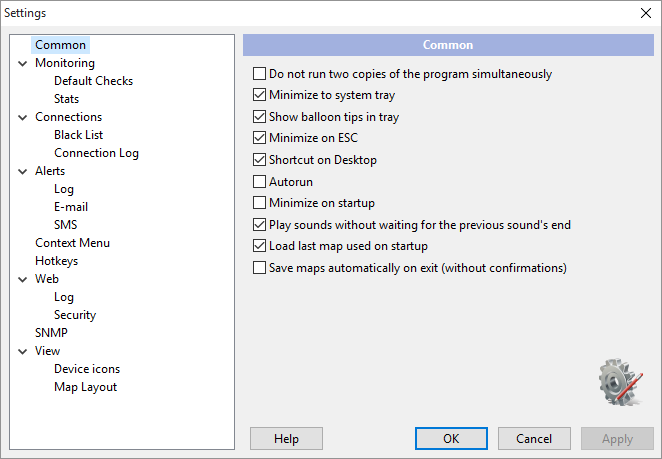
Fig. 1: The Settings window.


 Networking Software Bundles