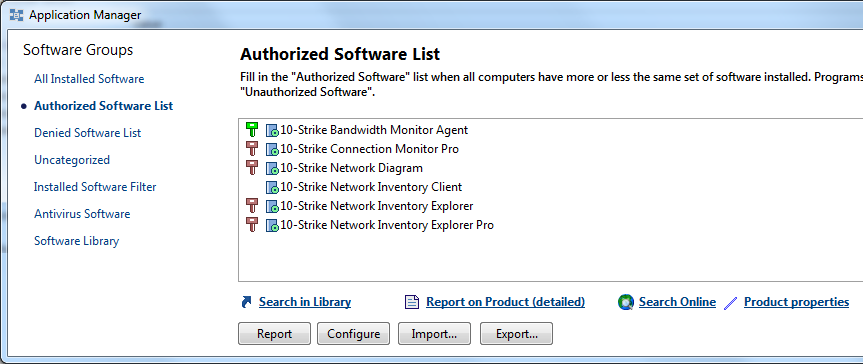
This function helps network administrators to find unauthorized software on network computers. First, you configure the list of authorized software. Other software found on remote computers will be considered as unauthorized and you will be able to list and examine it.
How to configure the list of authorized programs:
1. Select the "Service - Settings" in the main menu.
2. Select the "Authorized Software" tab.
3. Click the "Configure" button.
4. The window that appears will display the list of authorized programs.
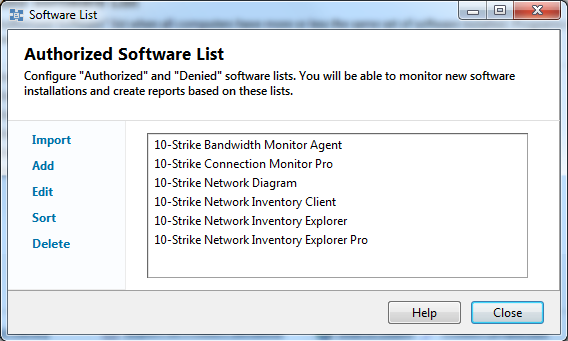
- Add... – opens the dialog for selecting programs from all software titles stored in the program database.
- New... – opens the dialog for entering the application title.
- Edit... – opens the dialog for editing the application name.
- Delete – deletes the selected application from the list of authorized software.