There are several steps that you need to make in order to organize your disk collection.
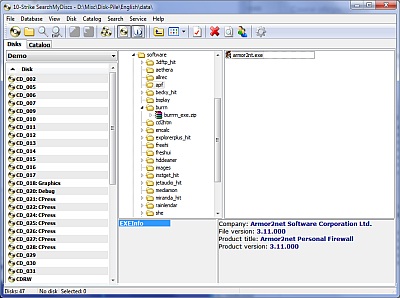
Firstly, download and install disk cataloging software. We recommend SearchMyDiscs as the best solution for this purpose. With its help you are able to create a complete database of all your CD and DVD disks. When the need arises to find something on the disks, you simply enter the name of the file or other search parameter, like the name of song or artist, and the disk cataloger will show exactly what disk contains the desired data. Photographers can watch thumbnails and read EXIF tags when searching photos without inserting disks into computer. Searching photos by EXIF tags is also supported.
Second, your disk storage should be organized in a proper way too. We recomend storing the disks in signed boxes on shelves:
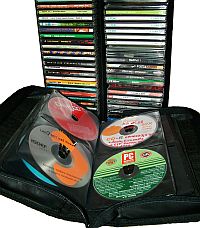
Disks without boxes can be stored in CD wallets, which allow storing disks in a very compact form and finding needed disks easily.