
Allgemeine Eigenschaften eines Remote-Computers anzeigen
 Having selected the context-menu item
System Info | General, you will see the information window:
Having selected the context-menu item
System Info | General, you will see the information window:
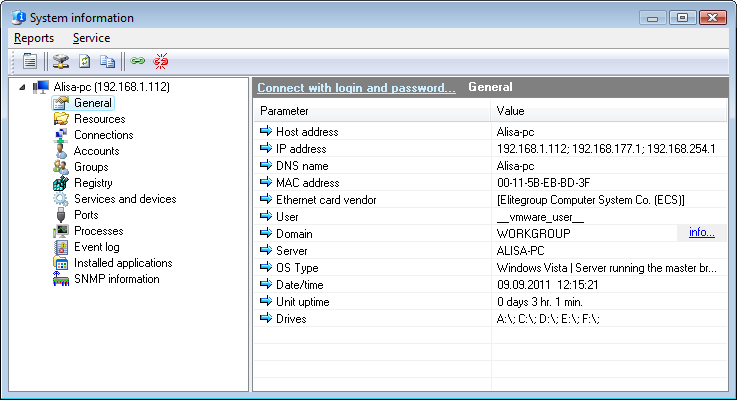
Abb. 1: The Remote computer's properties Fenster.
Retrieving some of the Remote-Computer properties
takes some time; therefore, a delay may occur (duration between 0 and 10 seconds, depending on the computer's location
within the network and the network performance).
Some network devices may appear as unavailable
due to a number of reasons related to organization of the network and access permissions.
If the system has several network adaptors
(physical or virtual), all of their IP and MAC addresses will be found.
Click "info..." near domain name for getting
the additional domain information.
You must have domain administrator privileges in order to get list of drives from the Remote-Computer.
Sie können copy the data you have retrieved to
clipboard and then paste it to any text file or Microsoft Excel sheet. Klicken Sie dazu mit der rechten Maustaste on the service list and then
select In Zwischenablage kopieren on the menu that appears.


