
Remote-Freigaben anzeigen
 The function allows receiving the list of opened
shares available on Remote-Computers. Das Programm kann also display the list
of hidden resources (marked with the $ sign.) Double click a share and it will be opened in Windows Explorer.
The function allows receiving the list of opened
shares available on Remote-Computers. Das Programm kann also display the list
of hidden resources (marked with the $ sign.) Double click a share and it will be opened in Windows Explorer.
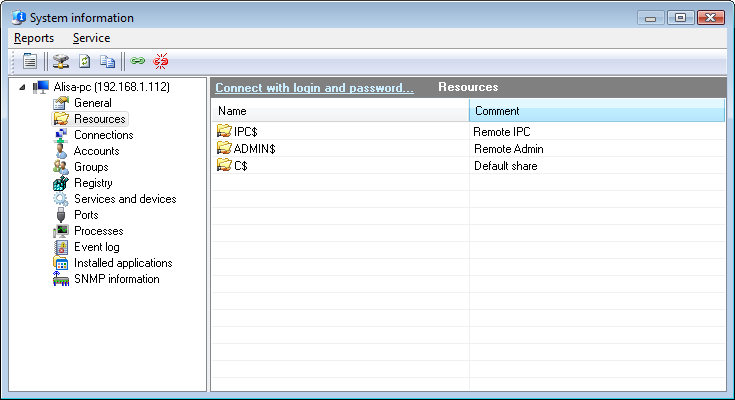
Abb. 1: The Remote computer's freigegebene Ressourcen Fenster.
Sie können select a share in the list and bring up the Kontextmenü. Click Connect network drive... if you want to map this remote share as a network drive. You will see the standard system dialog for the network drive mapping.
Sie können copy the data to the clipboard and then paste it to any text file or Microsoft Excel sheet. Klicken Sie dazu mit der rechten Maustaste on the share
list and then select In Zwischenablage kopieren on the menu that appears.


