Scanning Network

LANState scans networks using two methods.

1. Import computers from the Network Neighbourhood tree (from Microsoft Windows Network's domains and workgroups).
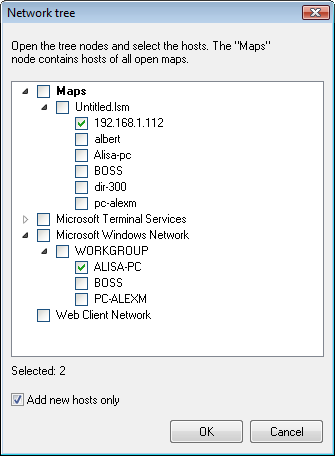
Importing computers from Network Neighbourhood


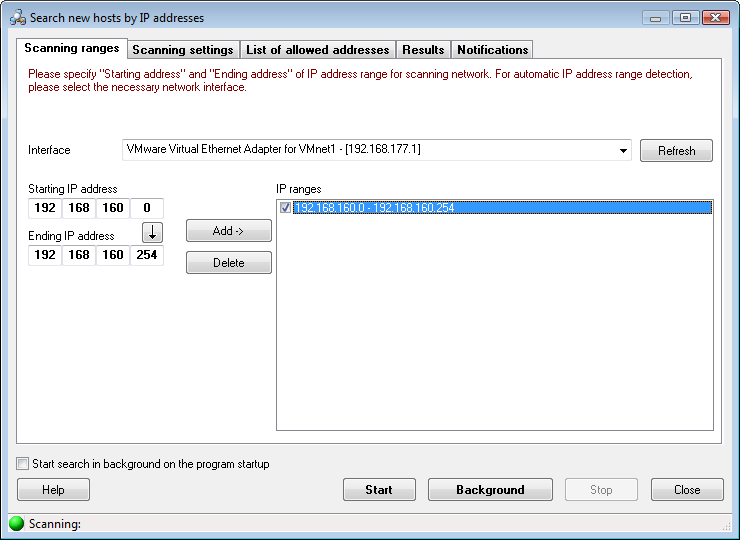
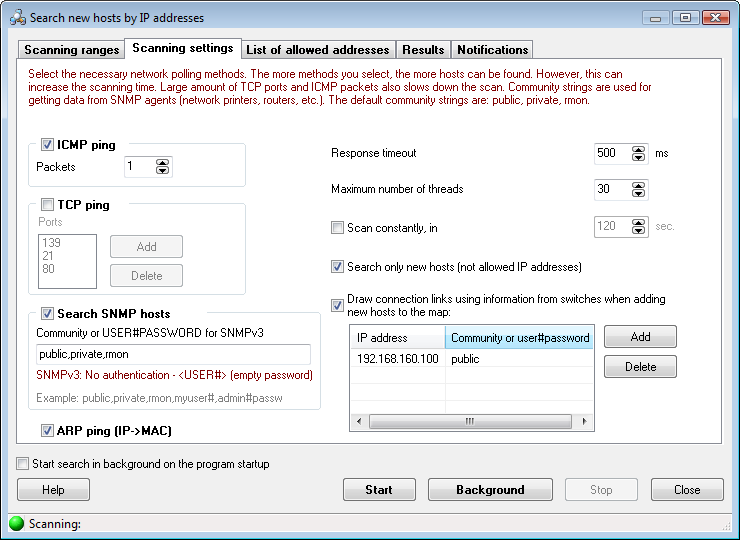
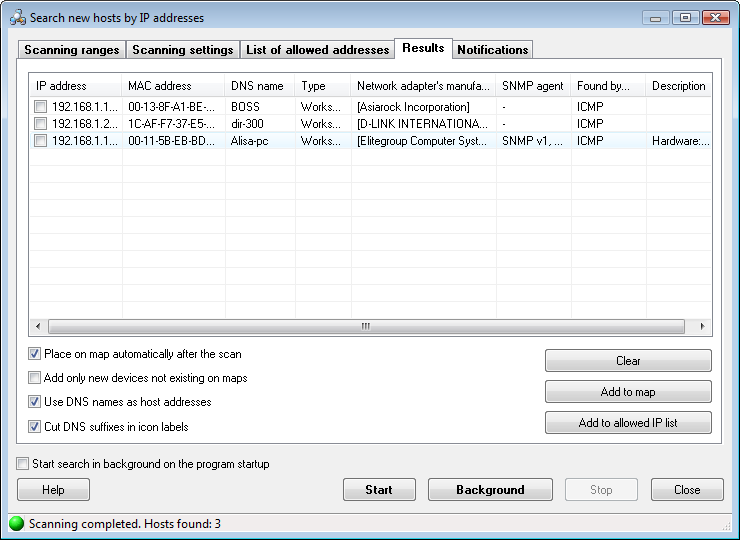
2. Scan an IP address range by sending ICMP ping and/or connecting to TCP port.

Scanning an IP address range


Download LANState - Free Trial Version
Buy LANState


Products:
Network Inventory Explorer
Inventory Hardware and Software on Network Computers

LANState
Monitor Network Servers, Create Network Maps and Diagrams

Connection Monitor
Watch Who Gets Into Your Files over Network

Network File Search
Search Files on FTP Servers and Local Network

SearchMyDiscs
Catalog Disks, Create CD/DVD Database, and Search Files

Log-Analyzer
Analyze Your Apache/RAW Log Files

Junk Mail Remover
Remove E-mail Messages on POP3 Server, Save GPRS/EDGE Traffic

Site Map | Privacy Policy | Links
Copyright © 1999-2008, 10-Strike Software