More screenshots:
Network Mapping and Network Topology Discovery (8)
Network Scanning and Searching for Computers (2)
Getting Information on Remote Computers (12)
Web User Interface - Remote Network Monitoring Possibilities (4)
The main window:
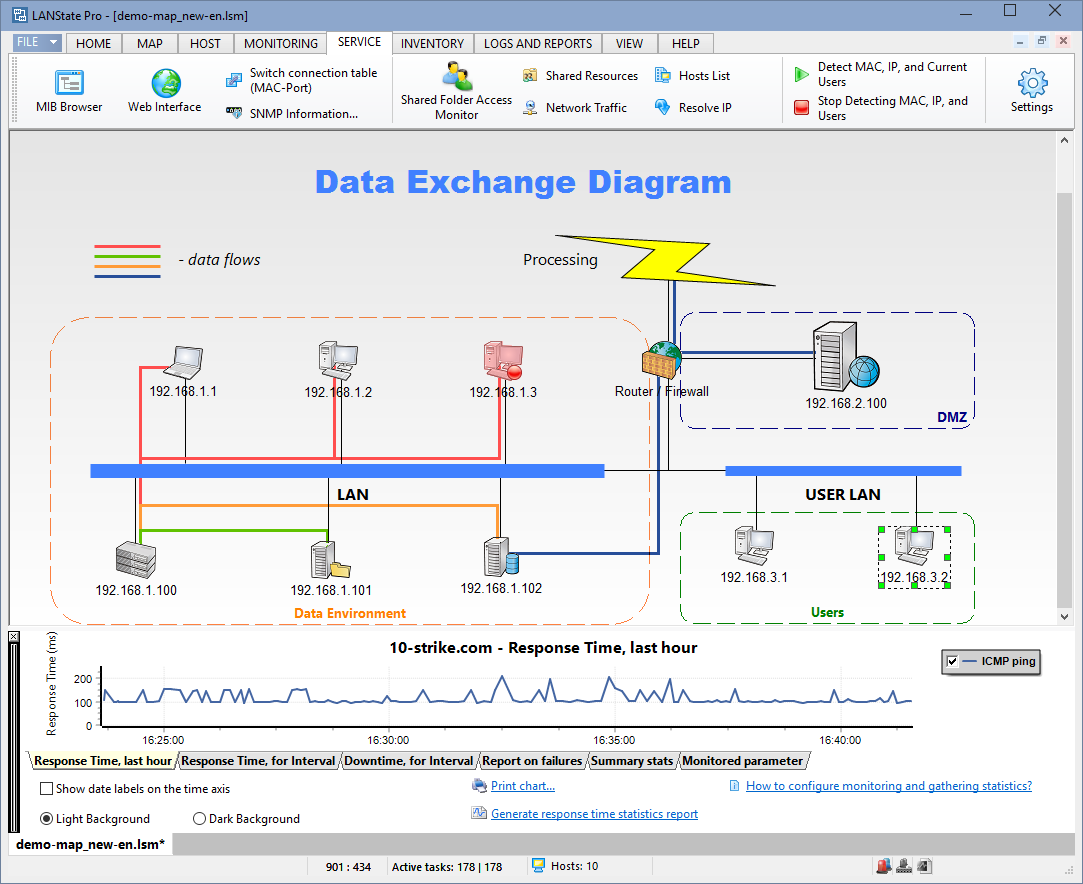
Watch the state of your network in the real-time. Active hosts are bright and inactive are dimmed gray.
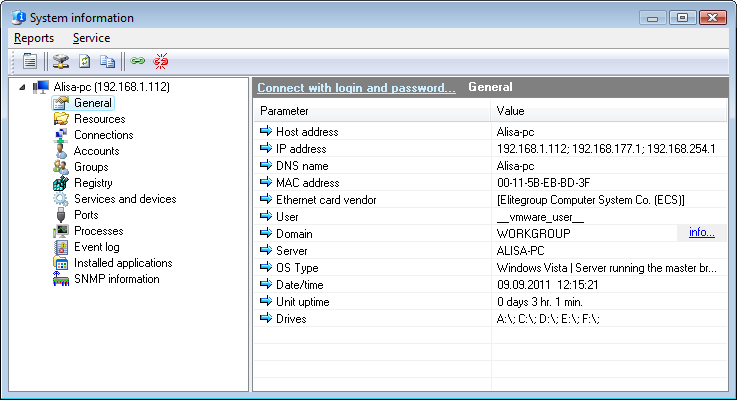
You can easily access remote hosts' properties and resources, and manage them.
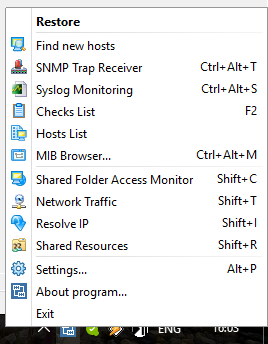
The tray context menu:
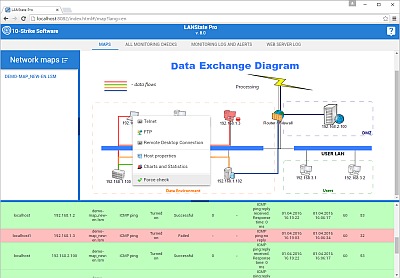
Use the built-in web server to access your network map remotely via the HTTP protocol, and export network maps to xml file or MS Visio (in LANState Pro only).