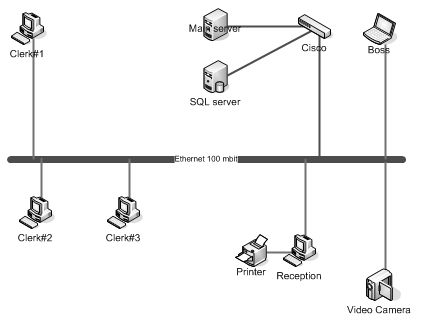
To create a network map using LANState software, you need to add network devices (you can scan your network for saving your time), draw lines for linking devices, and draw areas for grouping devices. The ability of using lines and areas, a quantity of different icons for representing different types of network equipment significantly raise the visual perception of the created network map.
The program supports the automatic network topology discovery using the SNMP protocol. If you have managed switches with SNMP enabled on them, the program will download the topology information from the switches and draw a network map automatically.
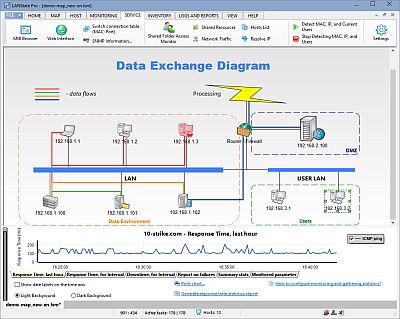
Custom backgrounds can help you getting more evident look of your network maps.
The host properties window:
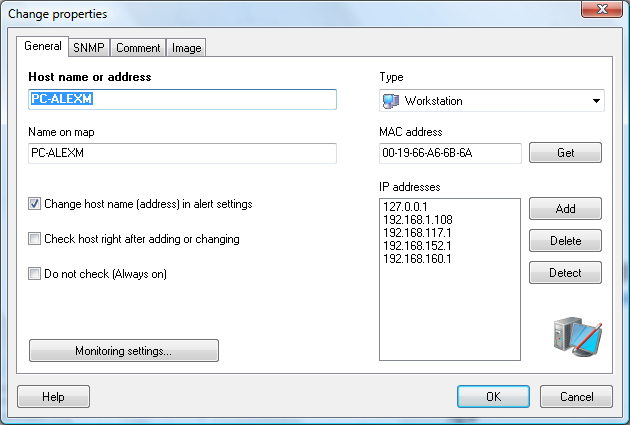
You can store some needful information in the "Comment" field (phone number, owner's name, or passwords). This comment will appear on the tip for the object when you point it by a mouse.
The area properties window:
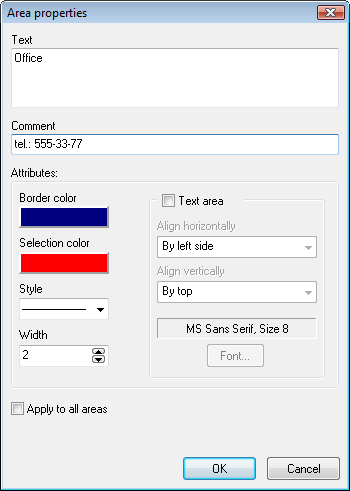
Area comments are displayed on the network map.
The line properties window:
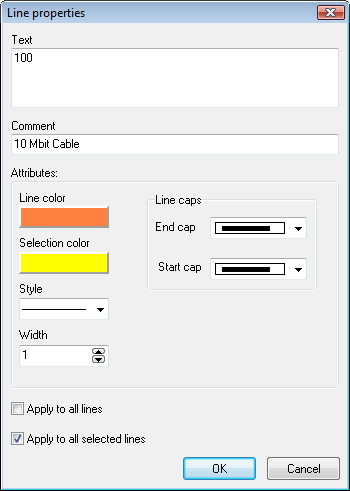
Line comments are displayed on the network map too.
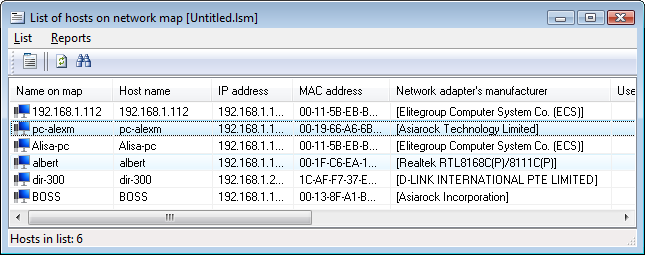
The program can show you the list of all the network devices placed on the map. The program allows you to detect MAC addresses of the devices and save this data as an HTML report.
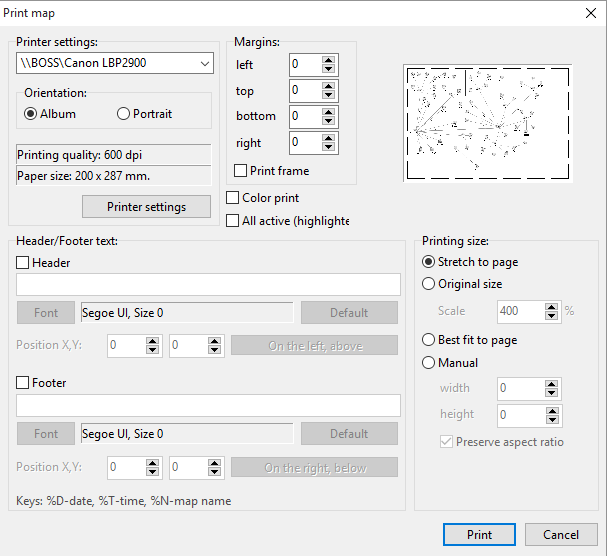
Print your network map with or without the background image:
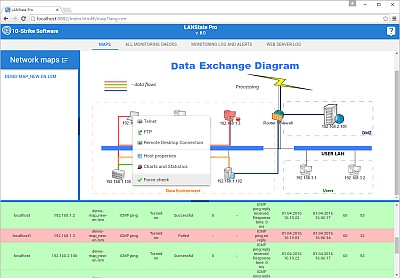
LANState Pro contains a built-in web server for showing network maps remotely to network users via the HTTP protocol and XML technology.
LANState Pro can export network maps to Microsoft Visio as well. You can continue editing your network diagrams in Visio.