To view the inventory log, click the toolbar button "Main -
Inventory Log" or use the context menu on the computer list.
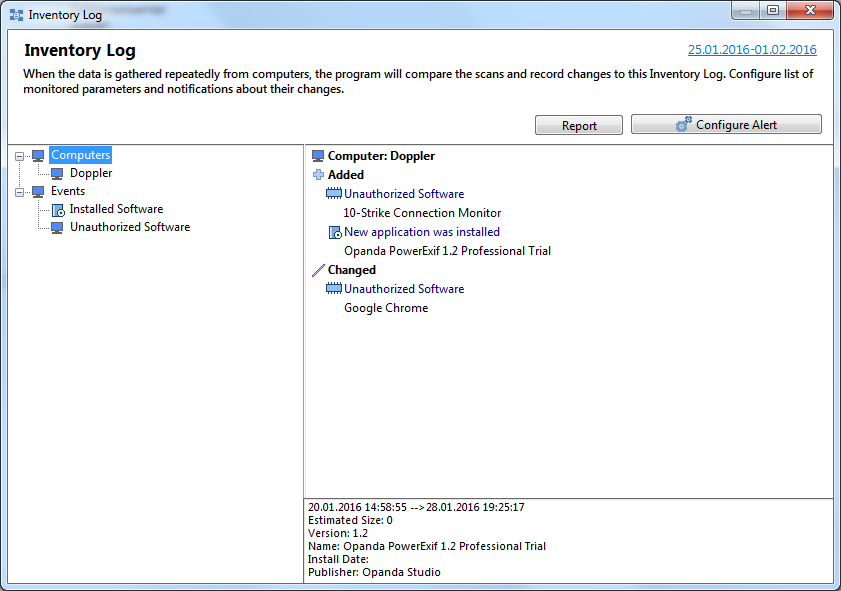
The log contains all changes found during the last consecutive aggregation of
data. Thus, you can control hardware and software changes on networked
computers. The list of parameters to be
monitored can be adjusted. To modify the list, click on the "Settings"
button or select the "Service and Settings -
Inventory Log Settings" button on the toolbar.
If the log is overloaded with insignificant or unnecessary records, disable the monitoring of the parameters that cause those records to appear in the log. To do so quickly and easily, select the line in the log, then right-click on it to open the context menu, and then select the "Do not control this variable" item.
The log can be emptied with the "Clear" button; it can be saved with the "Save..." button. The format of the log file can be specified using the drop-down list.