Products
|
Download
|
Order
|
User Manuals
|
Partners
|
Contacts
|
Forum
|
Blog
You are here:
Home
>
Products
>
Network Inventory Explorer
> User Manual
User Manual on Network Computer Inventory Program
Video Tutorials
Help Contents
Program Information
About the Program
Version History
How to Order
Pro Version vs Standard - Comparison
License Agreement
How to Collect Inventory Data from Computers
Collecting Inventory Data: Overview of Available Methods
1) Using WMI for Retrieving Remote Information
2) Using Agents for Collecting Information
3) Using Clients for Polling Network and Offline Computers
Installing Clients Using Group Policies (.MSI Package)
Using Logon Scripts for Running Clients on Network Computers
How to Check Logon Script for Starting Clients
Collecting Information from Workgroups Using Clients
(when there is no AD or domain)
Importing Information from Offline Computers
(using Clients)
Collecting Information from Remote Computers Using Email
(via Clients)
Configuring a Gmail Mailbox for Receiving the Client Data
Managing Multiple Administrator Accounts
(for WMI)
Using Logon Script for Starting Clients on Network Computers
Using Clients for Collecting Data in Workgroups
Automatic (Scheduled) Data Collection and Background Network Computer Inventory Monitoring
(WMI and Agents)
Linux Computer Inventory
(using SSH)
Android Mobile Device Inventory
(using SSH)
SNMP Device Inventory
(using SNMP)
Getting Started
Getting Started with the Program
Basic Interface Description and First Steps
Important Note: When You Need to Add Computers to List Before Getting the Inventory Data from Them
Managing Computer List
Computer List - Viewing and Configuring
Organizing Computer Groups (Departments)
Computer Addressing (DHCP and Avoiding Duplicates)
Finding and Deleting Duplicated Computers
Adding Computers to Inventory Database
Adding Single Computer Manually
Adding Computers by Scanning IP Address Range
Adding Computers from Network Neighborhood
Adding Computers from Active Directory
Adding Computers from Text/CSV File
Program Configuration and Maintenance
Program Settings
Multiple User Access: Using Shared Database
Finding Old "Dead" Computers (not Polled)
Exporting the Inventory Information from the Program to an External Database (SQL)
Creating Backup Database Copies and Restoring from Backup
Program Migration to Another Computer
Updating Program
Working with Program - Common and Advanced Tasks
Tracking Changes
How to Track Inventory Changes
Inventory Change Log
Inventory Log Settings
Configuring a Gmail Mailbox for Sending / Receiving Email Notifications on Changes
Software and License Audit
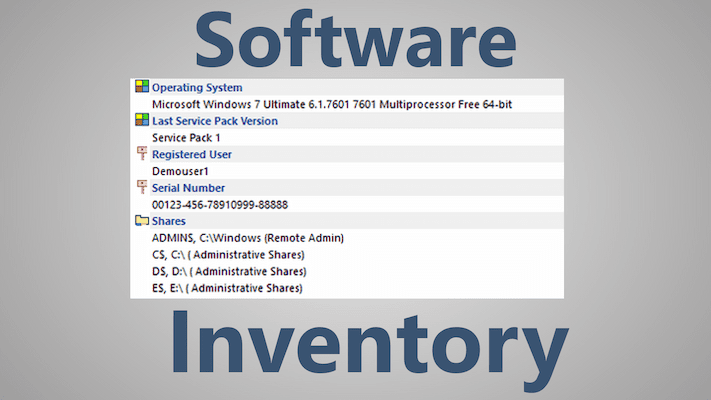
Getting the List of Intsalled Software from Remote Computers
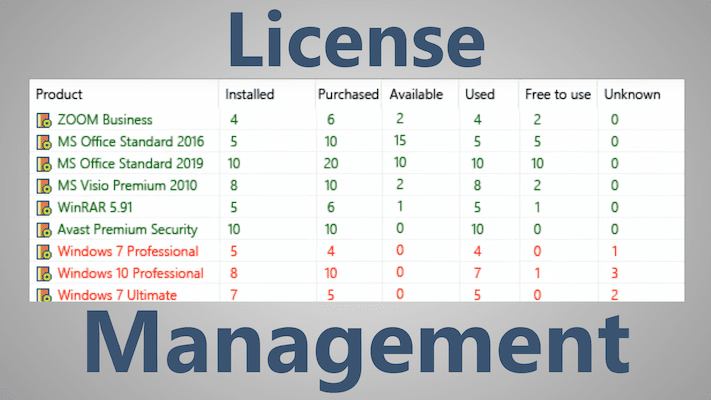
License Manager and Basic License Audit
Software License Auditing
Retrieving License Information from Remote Computers
Retrieving Serial Numbers and Product Keys from Remote Computers
License Key Auditing
Viewing Licensing Information for Microsoft Products (Windows OS and MS Office)
OLP and Downgrade License Auditing
Software Manager: Configuring Software Lists, Performing Program Name/Title Normalization
Configuring Authorized Software List
Other Helpful Functions
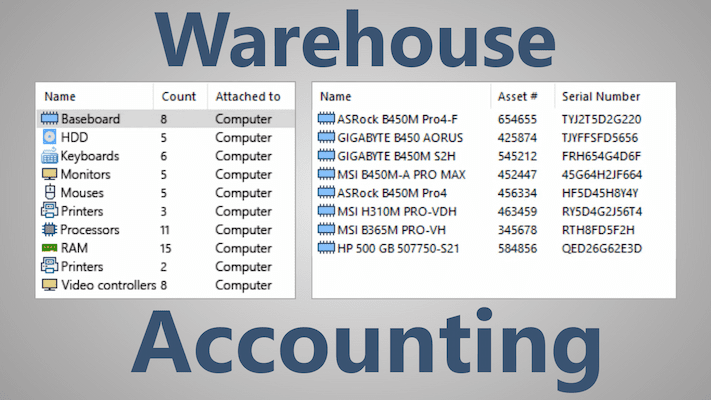
Auditing of Equipment that Cannot be Polled Automatically, Warehouse Equipment Accounting
(Accessories, office equipment, spare parts, peripherals)
Web Interface and Remote User Access
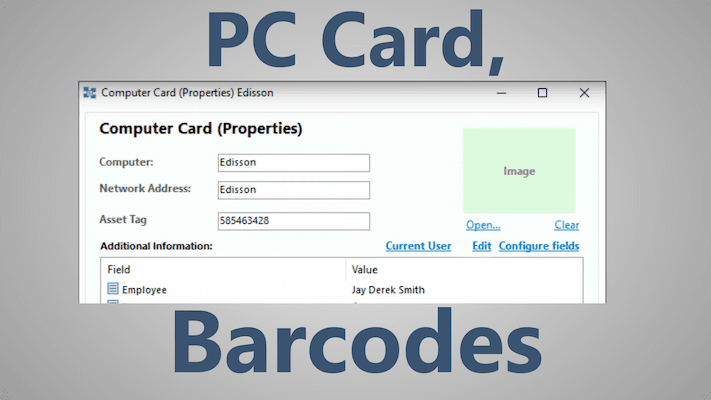
How to Get Remote Computer's Serial Number or Asset Tag
PC Health and HDD Temperature and Health Monitoring Using S.M.A.R.T.
How to Create the Overheating HDD Report
Exporting Inventory to Database
Deleting Software on Remote Computers
Watching File System on Remote Computers
Watching the Registry on Remote Computers
Getting Custom User Data from the Registry
How to Delete Startup Programs and Shortcuts on Remote Computers via Network?
How to Delete Software on Remote Computers via Network?
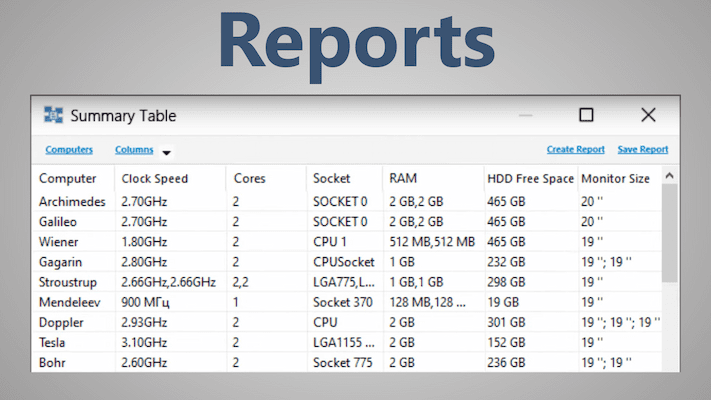
Creating Reports
Creating Reports on Hardware and Software
Creating Custom Inventory Reports and Using Report Templates
Summary Configuration Tables
PC Hardware Upgrades' Planning and Preparation
Using Computer Card Templates
Hints, Troubleshooting, and Technical Support
Tips on Working with Program
Frequently Asked Questions - FAQ
WMI Access Troubleshooting Guide
WMI Connection Diagnostics with the Wbemtest Utility
WMI Polling Errors
Configuring the Firewall for WMI Access Remotely Using Group Policy
"Connection timed out" Error on WMI Polling
How to Fix/Restore Broken WMI
Problems in Antivirus Detection and Ways to Solve Them
Ask Technical Support
DOWNLOAD PROGRAM
BUY | CHECK PRICES
Related Links:
Screenshots
FAQ