Filters
You can define blacklist (press Ctrl-B) and whitelist filters (press Ctrl-W).
Black filters allow you marking messages for deletion automatically. White filters allow you preventing from important messages deletion.
You can create new filter (click New...), edit (click Edit...) or delete (click Delete) existing filter.
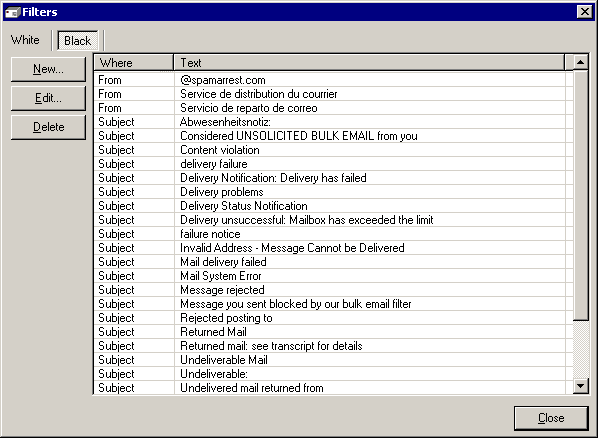
The Filters Window
If you click New... or Edit..., the Edit Filter window appears.
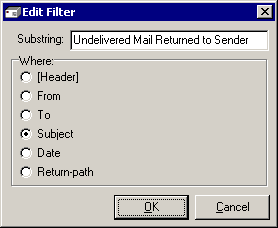
The Edit Filter Window
Define string and location where to search this string. The program can search substrings in the next message's fields: From, To, Subject, Date, Return-Path. Searching in entire header is also available (select [Header] for this).


 Networking Software Bundles