The program contains a connection monitor which allows you to monitor connections of remote users to your shared resources. When a network user connects to your computer, the program notifies you by a sound alarm or a screen message.
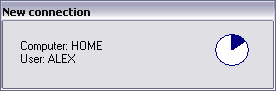
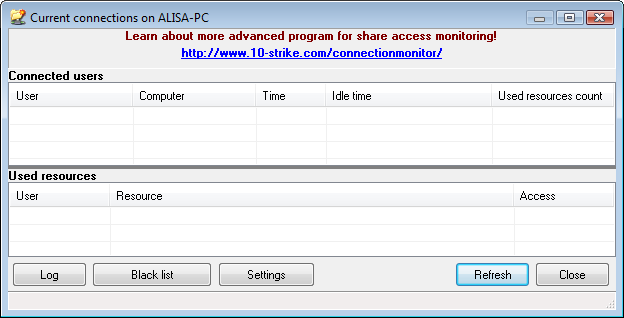
When you hear the "connection sound", press Win+C (or select Connections in the tray context menu). You will see the list of current connections, so you can keep an eye on connected users and watch their activity (which files and folders are being accessed) in real time.
You can disconnect the most annoying users...
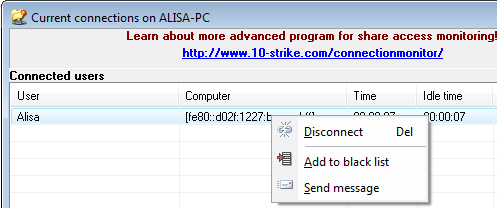
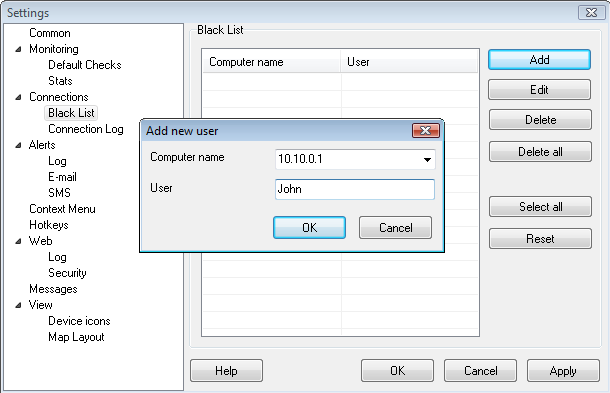
...or even add them to black list.
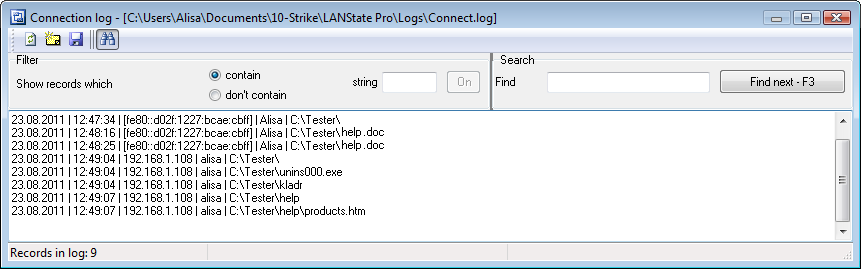
The program allows recording and viewing remote access logs.


 Networking Software Bundles