Selecting Computers on the Tree Window
 This function allows selecting several
computers for making some action with them (for example, shutting down or importing). Besides the Microsoft Windows Network branch, the tree has the branch Maps,
which has all objects from the loaded maps.
This function allows selecting several
computers for making some action with them (for example, shutting down or importing). Besides the Microsoft Windows Network branch, the tree has the branch Maps,
which has all objects from the loaded maps.
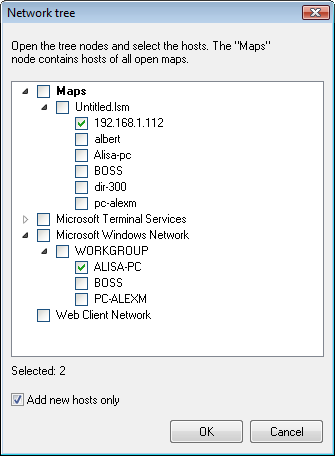
- Select computers you need and click OK.
- By selecting a parent node, you also select its children objects.
- Opening nodes of the Microsoft Windows Network branch can be delayed since the information is retrieved online.


 Networking Software Bundles