IP Filter for Built-in Web Server
 Here you can configure the web UI access settings based on the address filter and user authorization:
- Select the IP filter's default access policy: Allow or Deny. Add IP addresses to the list. You can add, edit, or delete addresses.
- You can also enable the user authorization. Enable the Authorization is required setting. Specify the Username and Password. When a user connects to the web server, the web browser will display the authorization window with the username and password fields.
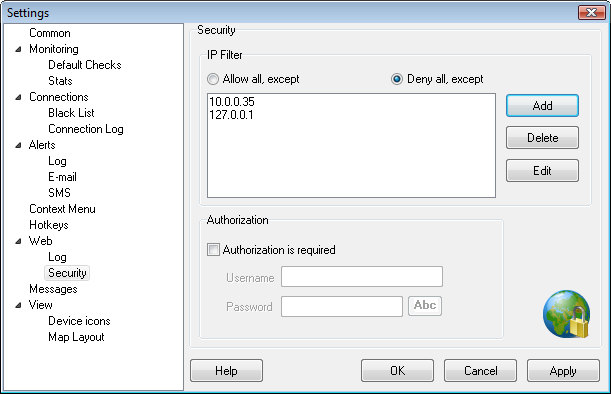
Fig. 1: The Web Server Security Settings (IP filter and authorization) window.


 Networking Software Bundles