How to build network diagram automatically
Starting from the version 3.3, LANState supports the SNMP protocol and can automatically draw network diagram with connections between devices labeled by switch port numbers. Starting from the version 7.0, LANState supports the LLDP protocol.
How to build a network diagram using LANState:
1. SNMP should be enabled on your switches. The program should be allowed in the firewall so it could work with SNMP protocol.
2. Run the Network Map Creation Wizard.
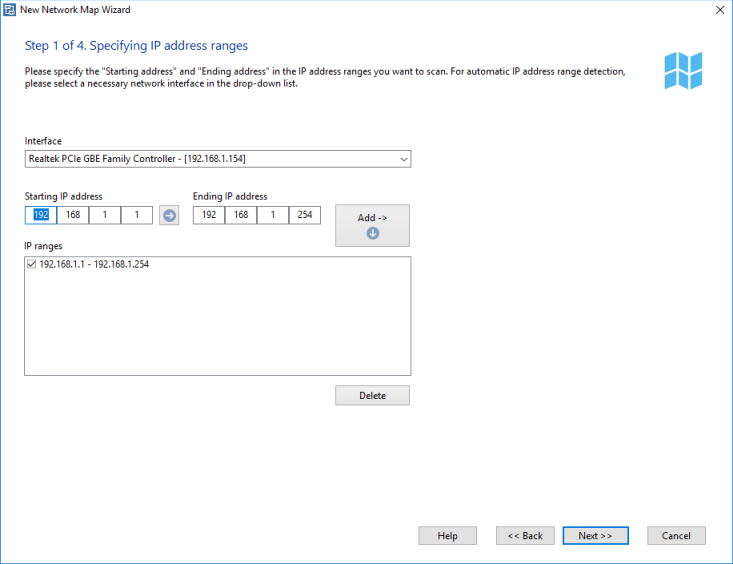
3. Scan network by IP address range. SNMP devices must be inside the scanned IP range.
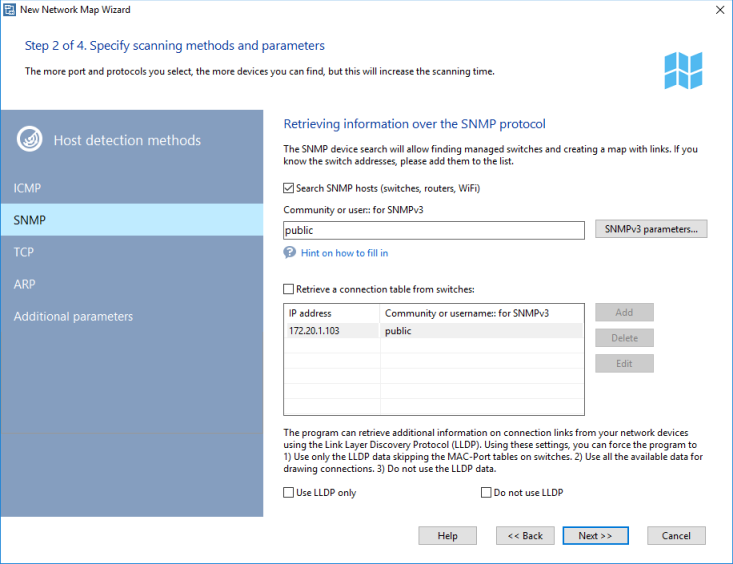
4. Select scanning methods and set its parameters. Do not forget to turn on "Searching SNMP..." and set correct community strings.
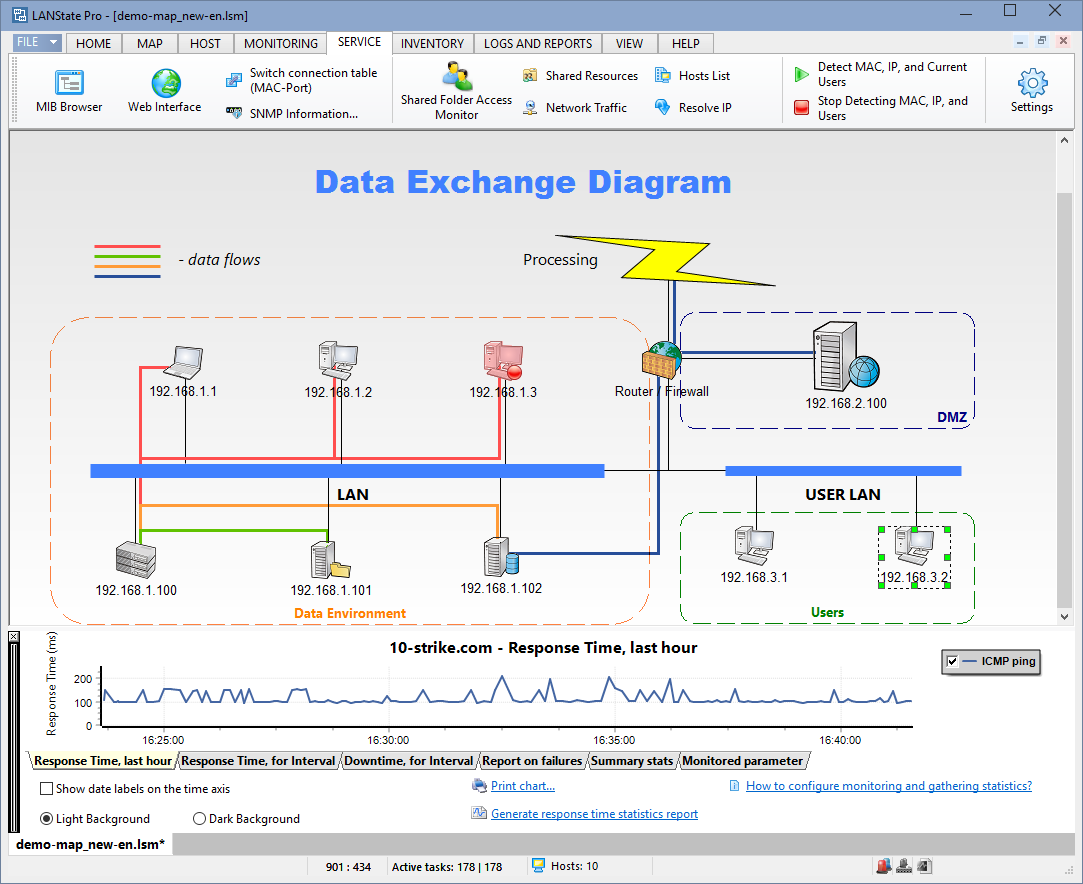
5. After the scan, program should draw network diagram. If SNMP scan is successfull, device connections will be drawn. Just move the devices by mouse for better look.
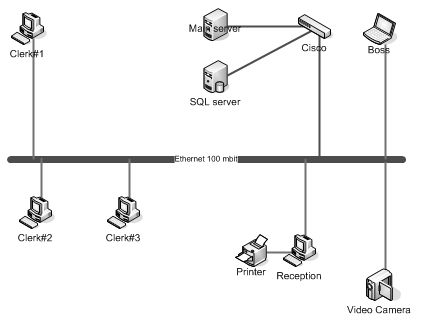
Network diagram can be exported to an image or Microsoft Visio diagram. Exporting to Visio is only allowed in LANState Pro.


 Networking Software Bundles