The program allows you to monitor the DNS service installed on a DNS server via the DNS protocol over a network.
With the DNS (Domain Name System) monitoring check, the application allows monitoring the state of a DNS server, the functions of which include reporting the IP address or (depending on the request) other information by the domain name of a host. The check consists in sending the specified test DNS request periodically to the DNS server being monitored. For the request, you can supply the domain name of any host, which the DNS server can convert into an IP address. If the DNS server completes its task successfully and returns an adequate response, the check is considered passed.
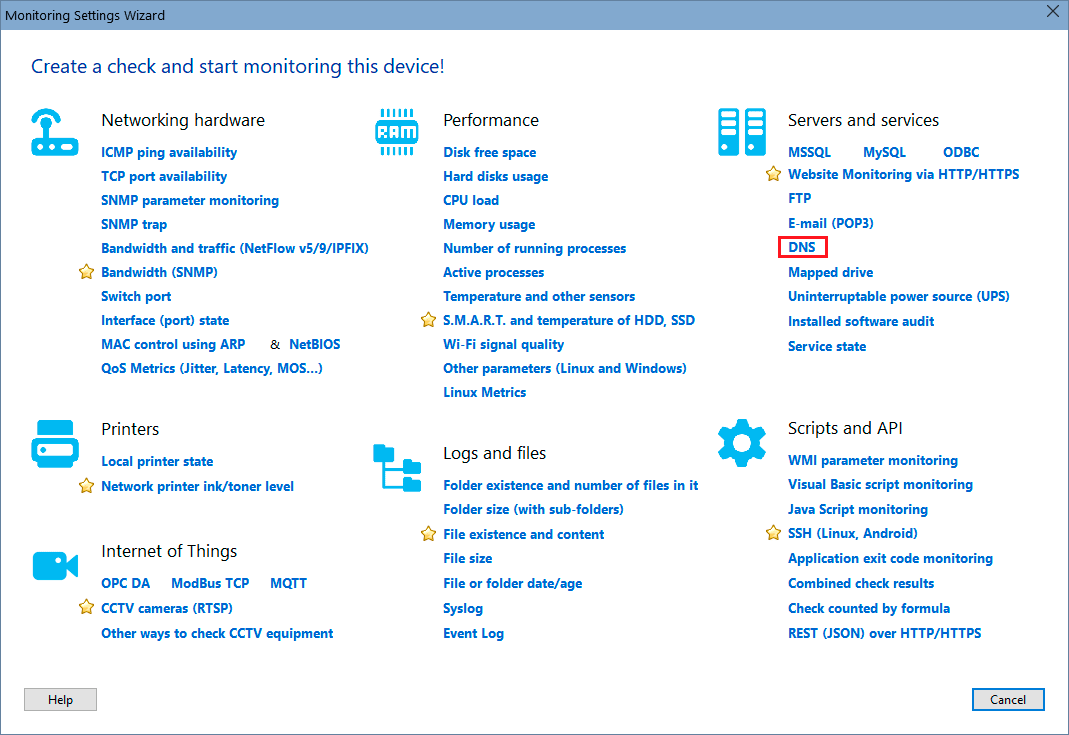
In order to add this check, select a host, then click "Add check", and find the necessary monitoring check name on the Wizard window.
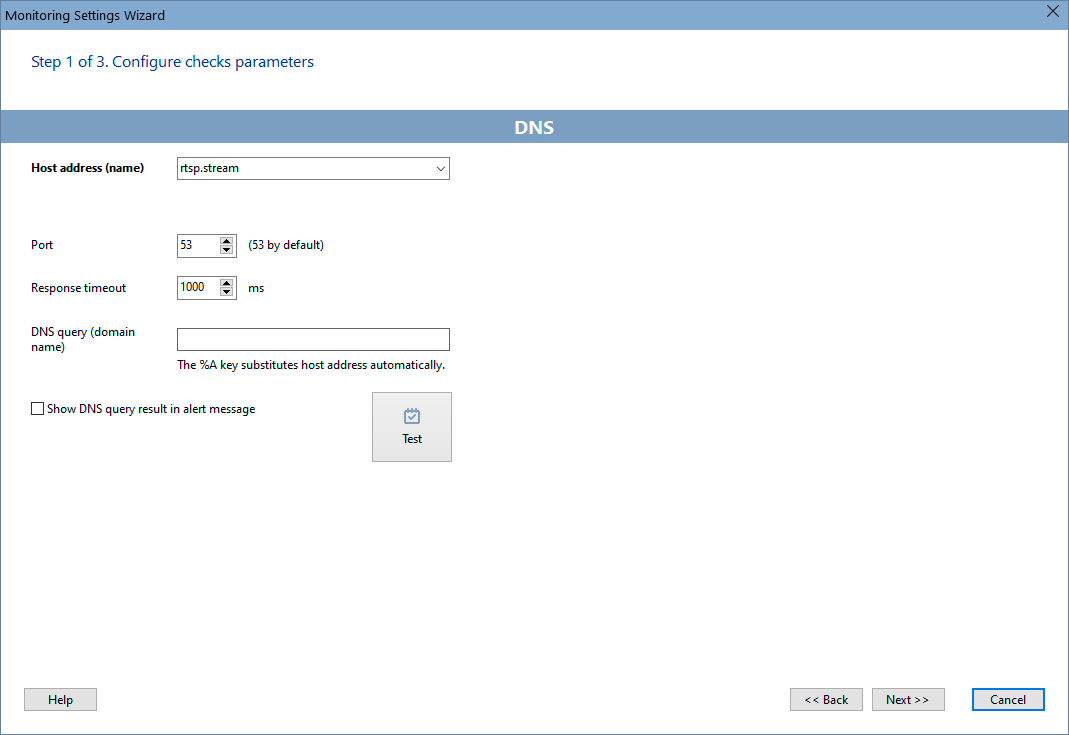
Configure the check parameters on the displayed window. You can modify the parameters later using the "Edit Check..." menu item. Learn more on how to configure the check alerts and other options here.
Requirements: Windows XP/Vista/7/8.1/10/11, Server 2003/2008/2012/2016/2019/2022 supported.


 Networking Software Bundles