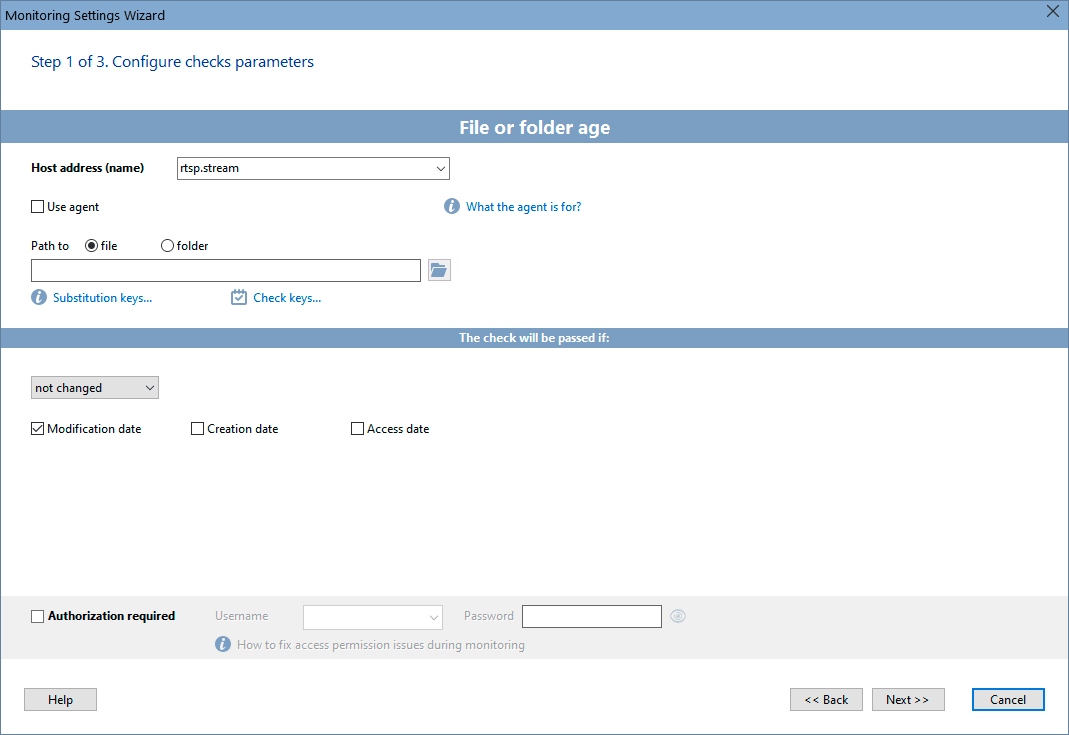
This monitoring check allows you to monitor a file's age (or date/time). The file can be located on a local disk or on a network share. You can configure the monitoring of a file's last access or modification date. When the date is changed, the program will notify you about that.
The validation logic can be customized. For example, a check can be considered as passed not only when the file date changes, but also when it remains unchanged from the previous check.
If you want to monitor date of a file which is stored on a share you can provide authorization credentials for accessing the share.
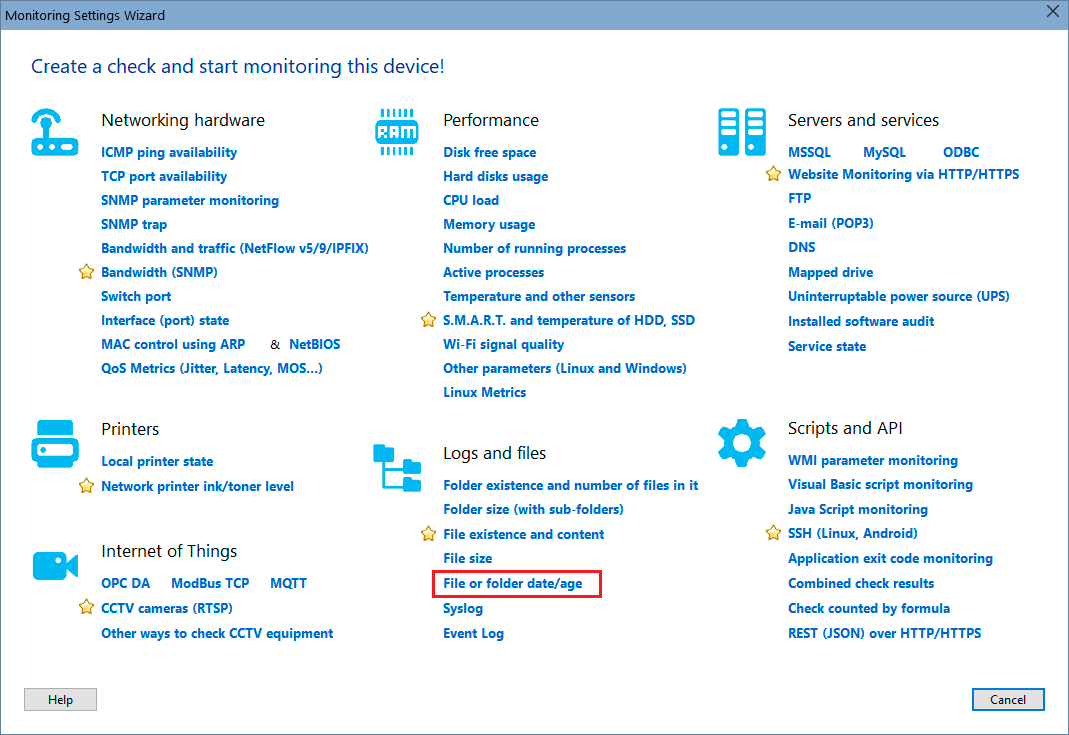
In order to add this check, select a host, then click "Add check", and find the necessary monitoring check name on the Wizard window.
Configure the check parameters on the displayed window. You can modify the parameters later using the "Edit Check..." menu item. Learn more on how to configure the check alerts and other options here.
Requirements: Windows XP/Vista/7/8.1/10/11, Server 2003/2008/2012/2016/2019/2022 supported.


 Networking Software Bundles