The program allows you to monitor the folder existence using the "Folder existence" (or "Files in folder") check.
This simple test consists in checking the existence of a folder on a remote or local computer. In the case of the remote monitoring, make the folder to be checked available over network.
Along with the existence of a folder, the application can monitor the number of files in the folder, including its subfolders. That can be helpful for monitoring the performance of some application that creates files (logs, dumps, etc.) The check can return several results indicating the change in the number of files, absence, or occurrence of the specified folder.
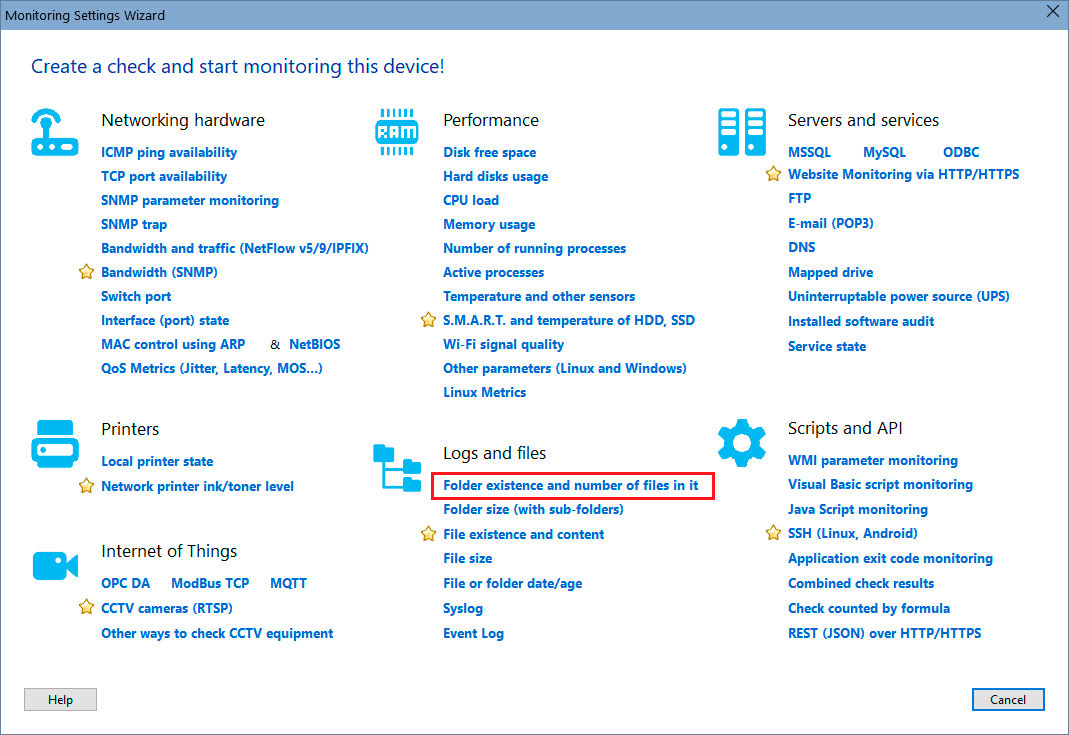
In order to add this check, select a host, then click "Add check", and find the necessary monitoring check name on the Wizard window.
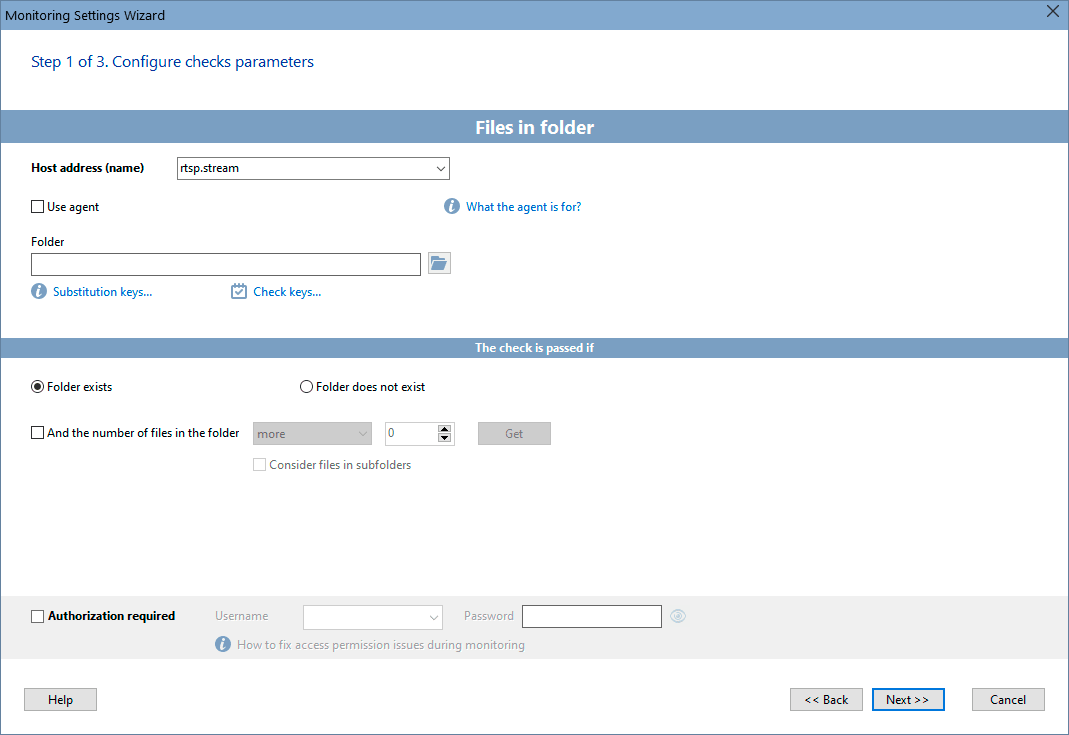
Configure the check parameters on the displayed window. You can modify the parameters later using the "Edit Check..." menu item. Learn more on how to configure the check alerts and other options here.
See also: File Existence Monitoring, File Size Monitoring
Requirements: Windows XP/Vista/7/8.1/10/11, Server 2003/2008/2012/2016/2019/2022 supported.


 Networking Software Bundles