The program allows you to monitor results of a JavaScript function.
On the analogy with the "External Application" check, the "Java-script" and "VBScript" checks allow the application user to create custom, specific tests in these languages. In the settings for these checks, write the source code of the test script and specify which function in it is the main one (executable). For the positive result of its operation, the test script must always return the "OK" string value . If the test script returns a value different from this one, the check is considered failed, and the application issues an alert. It is recommended to check the operability of the test scripts with the operating system's standard means before configuring the checks.
The JavaScript and VBScript checks significantly expand the application's network and network hardware monitoring capabilities.
Useful scripts
Receiving the host uptime (operating time without rebooting) from Windows.
function Main()
{
var pcname="%A";
var wmi = GetObject("winmgmts:"+
"{impersonationLevel=impersonate}!\\\\" + pcname + "\\root\\cimv2");
var p = wmi.ExecQuery("select * from Win32_PerfFormattedData_PerfOS_System");
var e = new Enumerator(p);
return e.item().SystemUpTime;
}
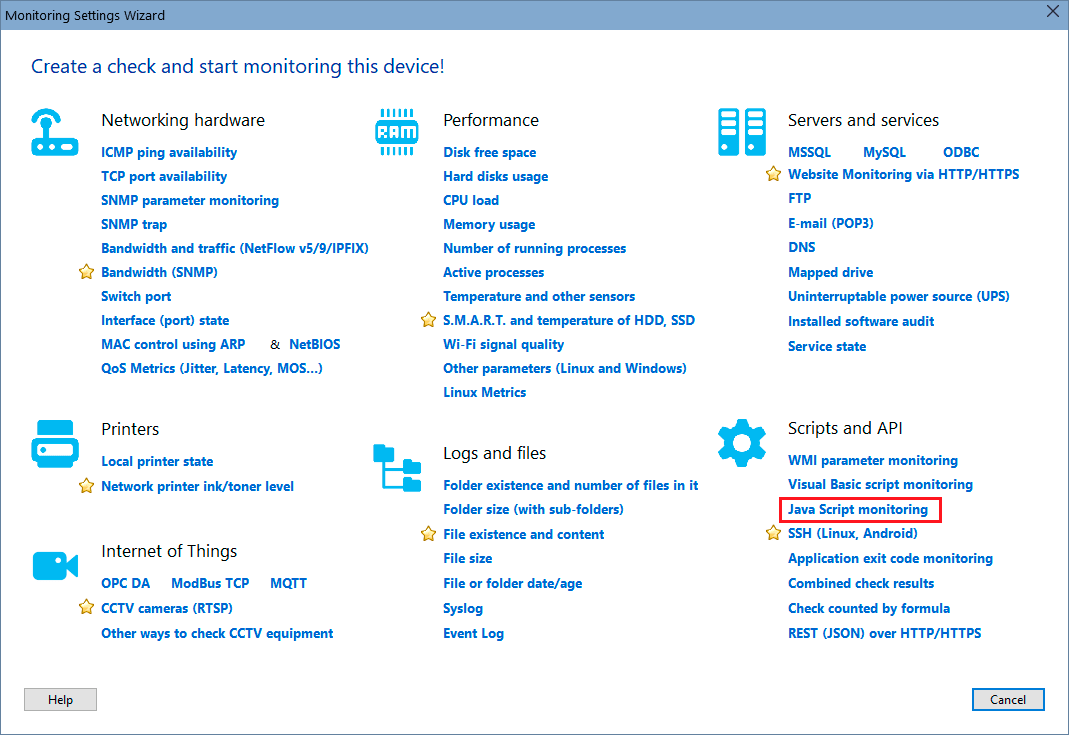
In order to add this check, select a host, then click "Add check", and find the necessary monitoring check name on the Wizard window.
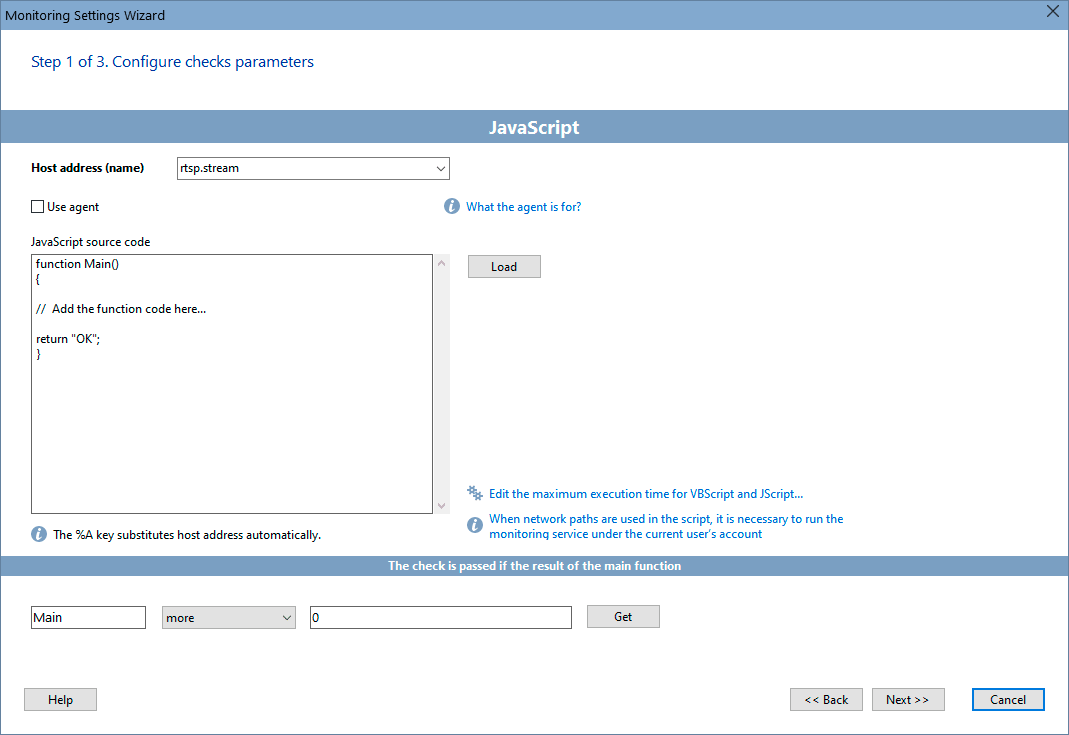
Configure the check parameters on the displayed window. You can modify the parameters later using the "Edit Check..." menu item. Learn more on how to configure the check alerts and other options here.
See also:
Visual Basic script result monitoring
Windows application exit code monitoring
Requirements: Windows XP/Vista/7/8.1/10/11, Server 2003/2008/2012/2016/2019/2022 supported.


 Networking Software Bundles