You are here: Home > Products > Network Monitor (Pro) > User Manual > Network Monitoring Checks > MAC Address Monitoring

MAC Address Monitoring

The program allows you to monitor MAC address changes over a network using the NetBios monitoring check and the ARP monitoring check (via the NetBios and ARP protocols).

The program tries to resolve a host's MAC address by its specified IP address, by addressing to the NetBIOS or ARP services of the host to be checked. If the MAC address can be resolved, and it is equal to the specified one, the check is considered passed. The program can prompt you if the specified MAC address is changed.
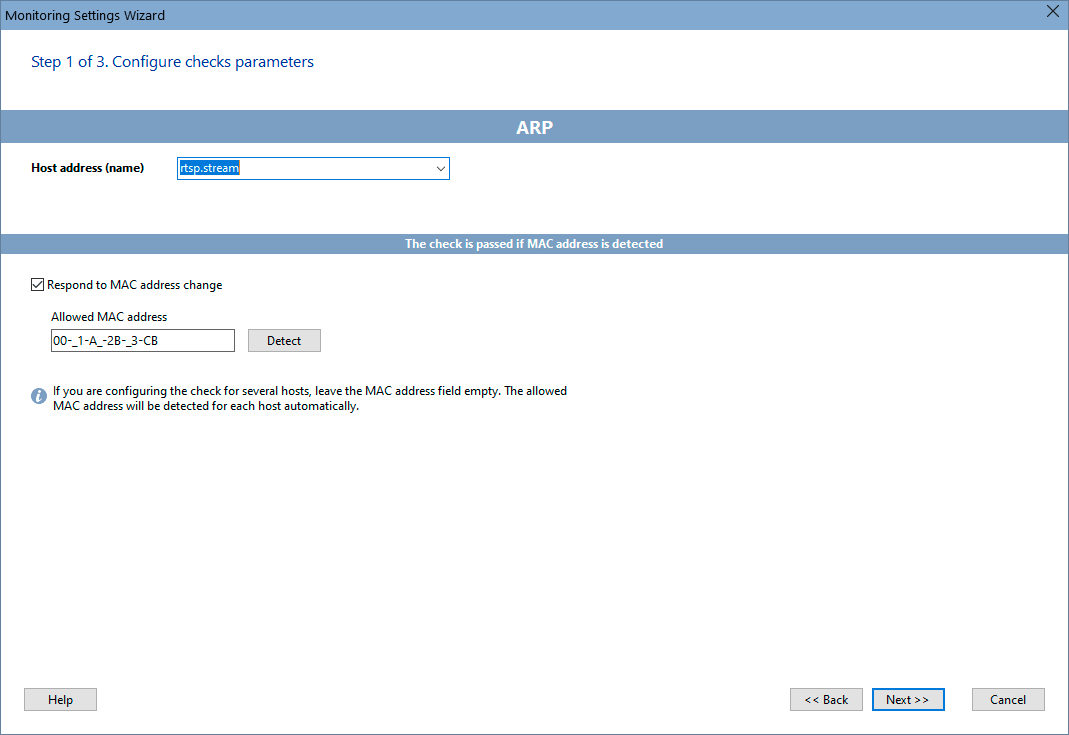
MAC Address Monitoring


In order to add this check, select a host, then click "Add check", and find the necessary monitoring check name on the Wizard window.
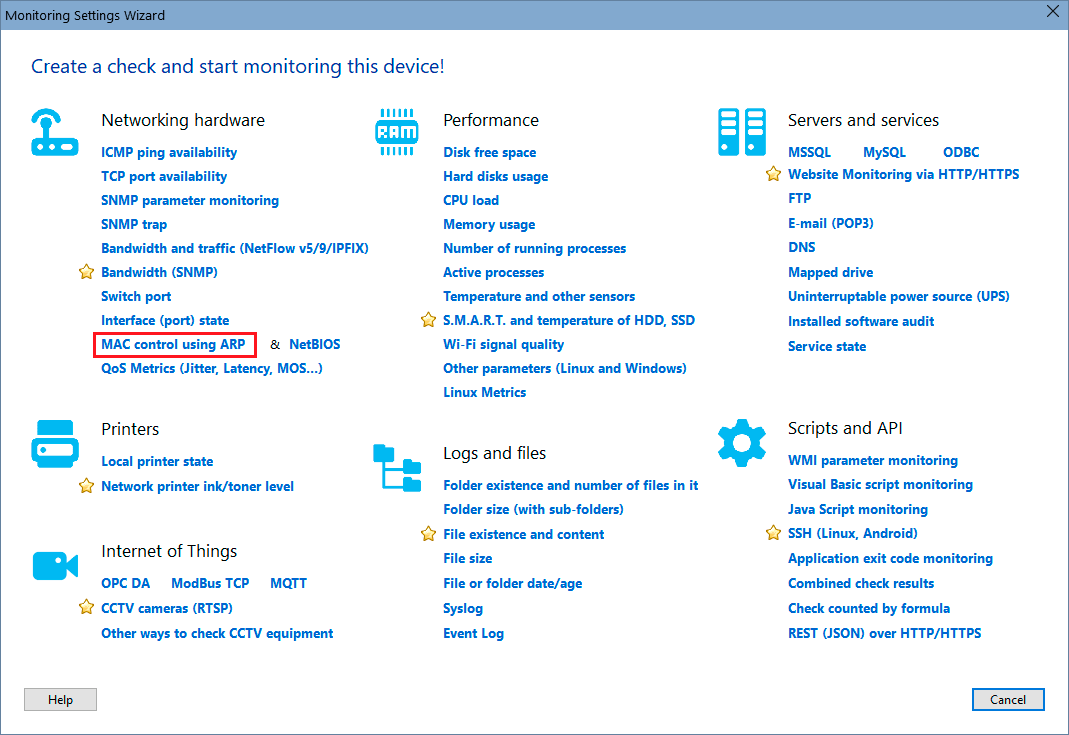
wizard - mac address monitoring

Configure the check parameters on the displayed window. You can modify the parameters later using the "Edit Check..." menu item. Learn more on how to configure the check alerts and other options here.


Requirements: Windows XP/Vista/7/8.1/10/11, Server 2003/2008/2012/2016/2019/2022 supported.


All products
network inventory program
Network Inventory Explorer
Inventory Hardware and Software on Network Computers
network monitoring program
Network Monitor
Monitor Network Servers, Services, Managed Switches, etc.
visual network mapper and monitor
LANState
Monitor and Manage Network Hosts on a Visual Map, Create Network Maps
bandwidth monitoring program
Bandwidth Monitor
Monitor Network Bandwidth and the Internet Traffic Usage
network diagramming program
Network Diagram
Create Network Diagrams, Discover Network Topology
file searching program for network shares and FTP
Network File Search
Search Files on Network Shares and FTP Servers
share access monitoring program
Connection Monitor
Audit Remote User Access to Shares (Folders and Files)
free port scanner
Network Scanner (NEW!)
Free Program for Scanning Networks, Hosts, and TCP Ports